From the Business plan
1. AI front desk linked to Odonto Invest's schedule
Starts when
In Settings → Integrações (API), on the Odonto Invest card, you click Conectar (Connect).
How to set it up
- Sign in with your Odonto Invest access and authorize the clinic. Each Odonto Invest clinic is linked to a single InvestCRM account.
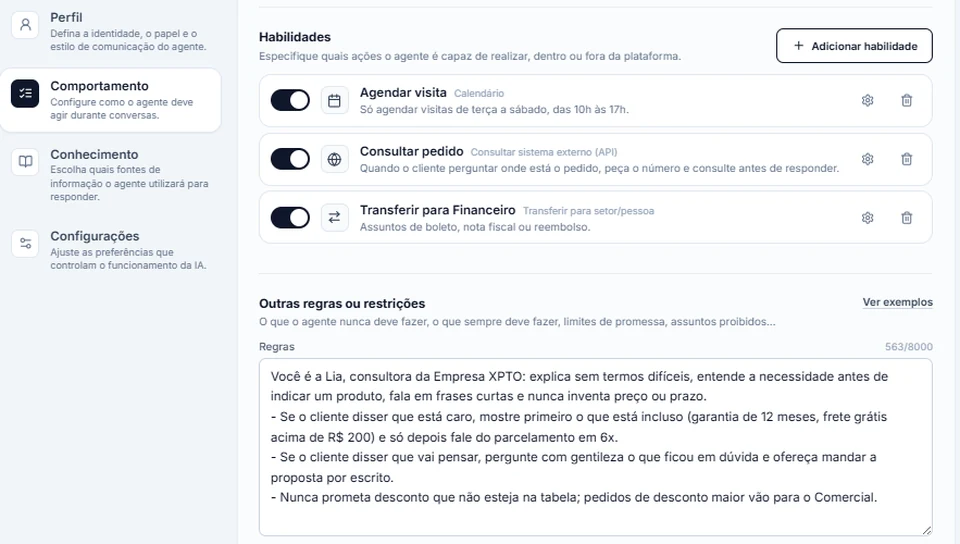
- The connection creates the Paciente Odonto Invest label, four fields (Prontuário, CPF, Data de nascimento and E-mail, all with "(Odonto Invest)" in the name: chart number, tax ID, date of birth and email) and the Recepção Odonto Invest agent, with the tool that checks the clinic's schedule and payments. In the agent editor this tool shows up as an Integration: you can only switch it on or off.
- Patients arrive in pages of 200 until the import ends; after that, every 15 minutes, only those changed in Odonto Invest come in. The import fires no automation at all, and a name your team already typed on a contact is never overwritten.
- In the welcome flow, connect the "Já sou paciente" (I'm already a patient) button to the Atendimento com IA block with the Recepção Odonto Invest agent. Only that agent can reach the clinic's data.
- Add your OpenAI or Anthropic key in Settings → Agente de IA: without a key, the agent does not reply.
What happens next
Before showing any data, the agent confirms identity with the CPF or the date of birth. Then it shows open slots, books, reschedules, cancels and confirms appointments and reports pending payments, always repeating the day, time and professional and asking for the patient's "yes" before saving. If the person mentions pain or an emergency, the chat goes to someone on the team.